

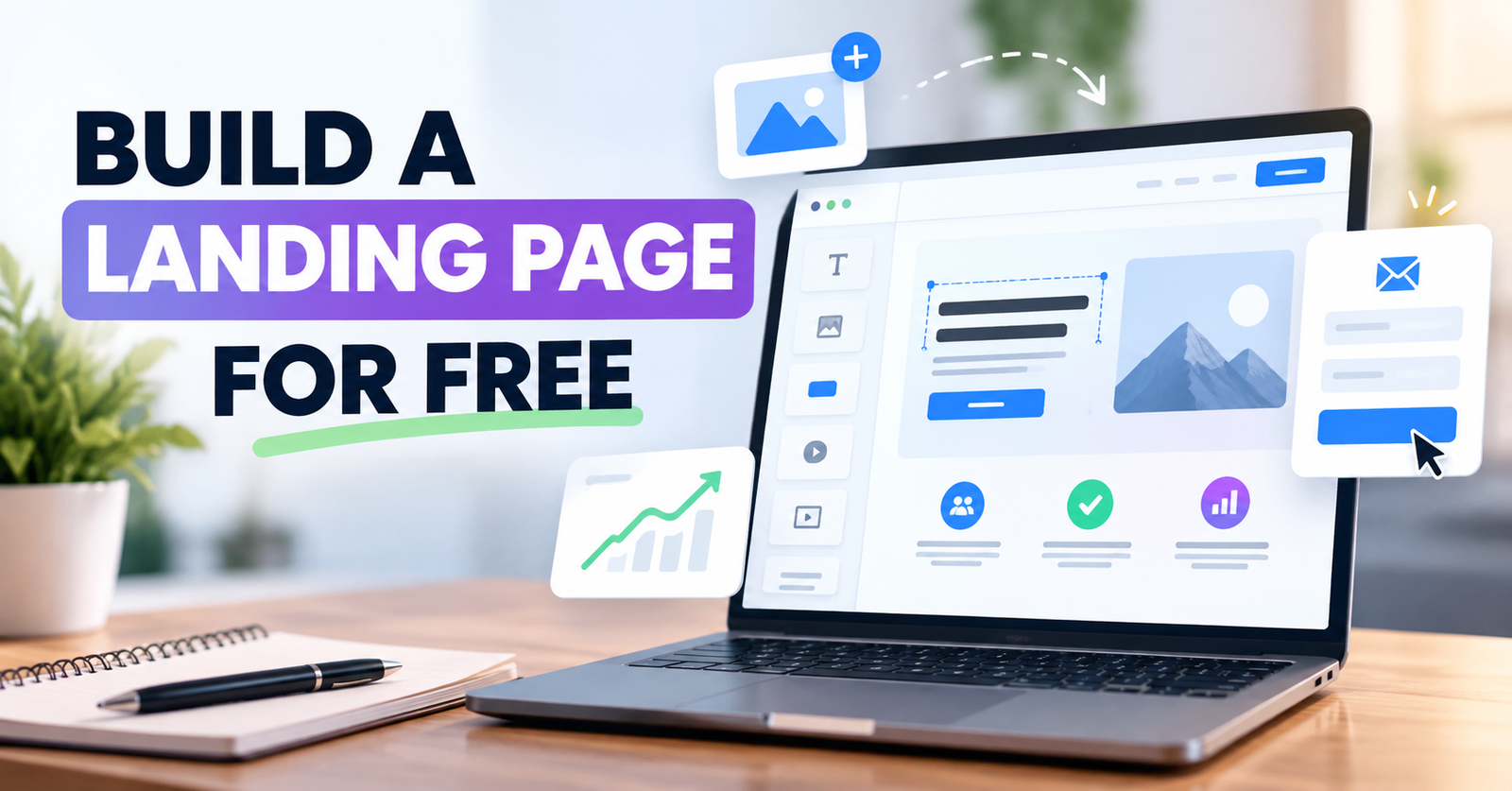
You don’t need an expensive website builder or a developer to create a landing page that can generate leads or sales. You can build one for free using a landing page and funnel platform such as Systeme.io.
The tool matters, but the structure of your page matters even more. A strong landing page focuses on one audience, one offer, and one action.
Here’s how to build one from scratch without paying for landing-page software.
1. Decide on One Conversion Goal
Before choosing a template or writing copy, decide exactly what you want visitors to do.
Your goal might be to:
- Join your email list
- Download a free guide
- Register for an event
- Request a consultation
- Buy a product
- Start a free account
Avoid trying to accomplish several goals on the same page.
If your main goal is collecting email addresses, for example, every important part of the page should guide visitors toward the signup form.
A simple customer journey could look like this:
Traffic → Landing Page → Signup → Thank-You Page → Follow-Up Email
That is often enough for a beginner funnel.
2. Use a Free Landing Page Builder
One practical option is Systeme.io, especially if you also need email capture and follow-up tools.
Its current Free plan lets you create up to three sales funnels and manage up to 2,000 contacts. You can also connect one custom domain and send emails from the same platform.
That means you can create a basic lead-generation funnel without combining a separate page builder and email marketing service.
You can create a free Systeme.io account without entering a credit card.
After creating your account, start a funnel for your campaign. You can select an existing page template or begin with a blank page and customize the layout.
3. Write a Clear Benefit-Driven Headline
Your headline is one of the first things visitors will see.
Don’t waste that space on a clever phrase that makes people figure out what you’re offering. Tell them what they can get.
For example, instead of:
The Ultimate Marketing Solution
try something more specific:
Build Your First Email List Without Expensive Marketing Software
The second version communicates an outcome.
Your subheadline can then explain how the offer helps the visitor achieve it.
A useful formula is:
Get [desired outcome] without [major problem or objection].
You don’t have to follow the formula exactly, but clarity should always come before creativity.
4. Build a Simple Hero Section
The top of your landing page should answer three questions quickly:
What is this? Who is it for? What should I do next?
A simple hero section usually needs:
- A clear headline
- A short supporting sentence
- One relevant image or product visual
- One primary call to action
For a lead magnet, you might place the email form directly in the hero section.
For a service or more complex offer, the button can take visitors farther down the page where you explain the offer before asking them to act.
Avoid filling the hero with long paragraphs, multiple buttons, menus, social links, and unrelated information.
5. Explain Benefits, Not Just Features
Visitors usually care less about what your offer contains than what it helps them accomplish.
Suppose you’re giving away a free email marketing checklist.
Instead of writing:
- 12-page PDF
- Five sections
- Printable format
focus on the outcome:
- Know what to send new subscribers
- Avoid common beginner email mistakes
- Follow a clear setup process from signup to first campaign
You can still mention features, but connect each important feature to a benefit.
6. Remove Unnecessary Distractions
A landing page isn’t the same as a normal website homepage.
Your homepage might need links to your blog, services, About page, contact page, social profiles, and other areas.
A landing page usually doesn’t.
Every unnecessary link gives the visitor another opportunity to leave before completing your intended action.
Keep the page focused on the offer and use one main CTA throughout the page.
Instead of generic button text such as Submit, tell visitors what happens next.
Examples include:
Get the Free Guide
Create My Free Account
Start Building for Free
Specific CTA text makes the next step easier to understand.
7. Keep Forms as Short as Possible
Don’t ask for information you don’t actually need.
If you’re giving away a free checklist, an email address may be enough.
Requiring a phone number, company name, job title, address, and other details creates extra work for the visitor.
For higher-value offers such as consultations, additional qualifying questions can make sense.
The form should match the value and purpose of the offer.
Systeme.io lets you connect your landing-page form with your contact list, so someone who opts in can move directly into your email follow-up process.
8. Add Proof Where You Actually Have It
Trust becomes especially important when you’re asking someone to buy, book a call, or share personal information.
Depending on your offer, useful proof might include:
- Genuine customer testimonials
- Customer results you have permission to share
- Product screenshots
- Work samples
- Client logos you are authorized to display
- A clear refund or guarantee policy
Never invent testimonials, ratings, customer numbers, or results simply to make a new landing page look established.
If you don’t have social proof yet, focus on clearly explaining the offer and reducing uncertainty.
9. Make the Page Easy to Use on Mobile
A beautiful desktop landing page can still perform poorly if visitors have to zoom, scroll sideways, or struggle to tap the CTA on a phone.
Before publishing, check:
- Headline size
- Paragraph width
- Button size
- Form fields
- Image dimensions
- Spacing between sections
- Page loading behavior
Systeme.io’s page builder creates responsive pages, but you should still inspect the finished page yourself. Long headlines, custom images, and unusual spacing may need adjustment.
10. Test the Entire Funnel Before Sending Traffic
Don’t stop when the page looks finished.
Complete the conversion yourself.
Enter a test email address, submit the form, check the thank-you page, and confirm that any promised email arrives correctly.
Also check every CTA and important link.
Once you start receiving real traffic, avoid redesigning the whole page based on guesses. Test meaningful changes such as your headline, offer positioning, CTA, hero section, or form.
Systeme.io includes A/B testing and funnel analytics, which can help you compare variations as you collect enough traffic to make testing useful.
What Does “Free” Actually Mean?
You can build and publish a functional landing-page funnel with Systeme.io’s permanent Free plan without entering a credit card.
However, free doesn’t mean every possible business expense disappears.
The Free plan currently has limits, including 2,000 contacts and three sales funnels. You can connect one custom domain, but purchasing a domain from a domain registrar is a separate expense.
Advanced businesses running many funnels, managing larger contact lists, or needing additional capacity may eventually need a paid plan.
For a beginner validating an offer or building a first lead-generation funnel, however, the free tier provides enough room to start without paying for landing-page software.
Build Your First Landing Page
A high-converting landing page doesn’t need dozens of sections.
Start with one clear offer, write a headline around the visitor’s desired outcome, remove distractions, explain the benefits, use one strong CTA, and make the next step easy.
Then test the complete journey before sending visitors to it.
If you want your landing page, forms, contacts, email follow-up, and funnel in one place, you can build your first landing page with Systeme.io for free.
Start simple. Get the page live. Then improve it using what real visitors actually do.